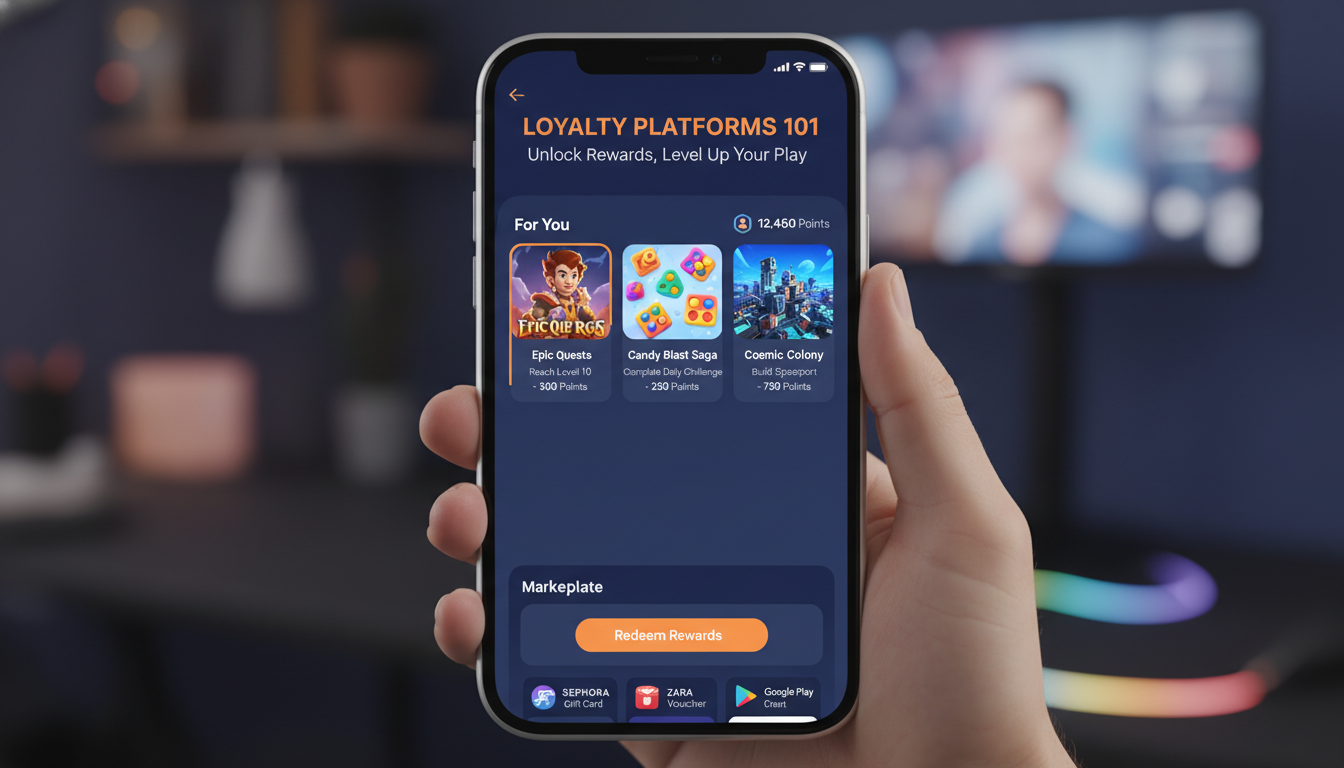
Why are major studios suddenly throwing a third of their media budgets at loyalty platforms? VYBS founder Ido Raz breaks down the channel everyone dismissed as "cheap installs" that's now fueling the industry's fastest growth.
Three backend engineers were told they were unfundable and building in a graveyard market. Ten years later, Heroic Labs is profitable, powers major game studios, and never raised VC money. Here's how they did it.
Most companies tell employees to "figure out AI" on top of their regular work. AppsFlyer did the opposite. They made AI learning the work itself, and the results reveal why the top-down approach is failing.
Posted by Dom Elliott – Principal Product Manager, Google Play and Eric Lynch - Senior Product Manager, Android Security In the mobile ecosystem, abuse can threaten your revenue, growth, and user trust. To help developers thrive, Google Play offers a resilient threat detection service, Play Integrity API . Play Integrity API helps you verify that interactions and server requests are genuine—coming from your unmodified app on a certified Android device, installed by Google Play. The impact is significant: apps using Play integrity features see 80% lower unauthorized usage on average compared to other apps. Today, leaders across diverse categories—including Uber, TikTok, Stripe, Kabam, Wooga, Radar.com, Zimperium, Paytm, and Remini—use it to help safeguard their businesses. We’re continuing to improve the Play Integrity API, making it easier to integrate, more resilient against sophisticated attacks, and better at recovering users who don’t meet integrity standards or encounter errors with new Play in-app remediation prompts. Detect threats to your business The Play Integrity API offers verdicts designed to detect specific threats that impact your bottom line during critical interactions. Unauthorized access : The accountDetails verdict helps you determine whether the user installed or paid for your app or game on Google Play. Code tampering : The appIntegrity verdict helps you determine whether you're interacting with your unmodified binary that Google Play recognizes. Risky devices and emulated environments : The deviceIntegrity verdict helps you determine whether your app is running on a genuine Play Protect certified Android device or a genuine instance of Google Play Games for PC. Unpatched devices : For devices running Android 13 and higher, MEETS_STRONG_INTEGRITY response in the deviceIntegrity verdict helps you determine if a device has applied recent security updates. You can also opt in to deviceAttributes to include the attested Android SDK version in the response. Risky access by other apps: The appAccessRiskVerdict helps you determine whether apps are running that could be used to capture the screen, display overlays, or control the device (for example, by misusing the accessibility permission). This verdict automatically excludes apps that serve genuine accessibility purposes. Known malware: The playProtectVerdict helps you determine whether Google Play Protect is turned on and whether it has found risky or dangerous apps installed on the device. Hyperactivity: The recentDeviceActivity level helps you determine whether a device has made an anomalously high volume of integrity token requests recently, which could indicate automated traffic and could be a sign of attack. Repeat abuse and reused devices: deviceRecall (beta) helps you determine whether you're interacting with a device that you've previously flagged, even if your app was reinstalled or the device was reset. With device recall, you can customize the repeat actions you want to track. The API can be used across Android form factors including phones, tablets, foldables, Android Auto, Android TV, Android XR, ChromeOS, Wear OS, and on Google Play Games for PC. Make the most of Play Integrity API Apps and games have found success with the Play Integrity API by following the security considerations and taking a phased approach to their anti-abuse strategy. Step 1: Decide what you want to protect : Decide what actions and server requests in your apps and games are important to verify and protect. For example, you could perform integrity checks when a user is launching the app, signing in, joining a multiplayer game, generating AI content, or transferring money. Step 2: Collect integrity verdict responses : Perform integrity checks at important moments to start collecting verdict data, without enforcement initially. That way you can analyze the responses for your install base and see how they correlate with your existing abuse signals and historical abuse data. Step 3: Decide on your enforcement strategy : Decide on your enforcement strategy based on your analysis of the responses and what you are trying to protect. For example, you could change risky traffic at important moments to protect sensitive functionality. The API offers a range of responses so you can implement a tiered enforcement strategy based on the trust level you give to each combination of responses. Step 4: Gradually rollout enforcement and support your users: Gradually roll out enforcement. Have a retry strategy when verdicts have issues or are unavailable and be prepared to support good users who have issues. The new Play in-app remediation prompts, described below, make it easier than ever to get users with issues back to a good state. NEW: Let Play recover users with issues automatically Deciding how to respond to different integrity signals can be complex, you need to handle various integrity responses and API error codes (like network issues or outdated Play services). We’re simplifying this with new Play in-app remediation prompts . You can show a Google Play prompt to your users to automatically fix a wide range of issues directly within your app. This reduces integration complexity, ensures a consistent user interface, and helps get more users back to a good state. GET_INTEGRITY automatically detects the issue (in this example, a network error) and resolves it. You can trigger the GET_INTEGRITY dialog, available in Play Integrity API library version 1.5.0+, after a range of issues to automatically guide the user through the necessary fixes including: Unauthorized access: GET_INTEGRITY guides the user back to a Play licensed response in accountDetails . Code tampering: GET_INTEGRITY guides the user back to a Play recognized response in appIntegrity . Device integrity issues: GET_INTEGRITY guides the user on how to get back to the MEETS_DEVICE_INTEGRITY state in deviceIntegrity . Remediable error codes: GET_INTEGRITY resolves remediable API errors, such as prompting the user to fix network connectivity or update Google Play Services. We also offer specialized dialogs including GET_STRONG_INTEGRITY (which works like GET_INTEGRITY while also getting the user back to the MEETS_STRONG_INTEGRITY state with no known malware issues in the playProtectVerdict ), GET_LICENSED (which gets the user back to a Play licensed and Play recognized state), and CLOSE_UNKNOWN_ACCESS_RISK and CLOSE_ALL_ACCESS_RISK (which prompt the user to close potentially risky apps). Choose modern integrity solutions In addition to Play Integrity API, Google offers several other features to consider as part of your overall anti-abuse strategy . Both Play Integrity API and Play’s automatic protection offer user experience and developer benefits for safeguarding app distribution. We encourage existing apps to migrate to these modern integrity solutions instead of using the legacy Play licensing library . Automatic protection: Prevent unauthorized access with Google Play’s automatic protection and ensure users continue getting your official app updates. Turn it on and Google Play will automatically add an installer check to your app’s code, with no developer integration work required. If your protected app is redistributed or shared through another channel, then the user will be prompted to get your app from Google Play. Eligible Play developers also have access to Play’s advanced anti-tamper protection, which uses obfuscation and runtime checks to make it harder and costlier for attackers to modify and redistribute protected apps. Android platform key attestation: Play Integrity API is the recommended way to benefit from hardware-backed Android platform key attestation . Play Integrity API takes care of the underlying implementation across the device ecosystem, Play automatically mitigates key-related issues and outages, and you can use the API to detect other threats. Developers who directly implement key attestation instead of relying on Play Integrity API should prepare for the upcoming Android Platform root certificate rotation in February 2026 to avoid disruption (developers using Play Integrity API do not need to take any action). Firebase App Check : Developers using Firebase can use Firebase App Check to receive an app and device integrity verdict powered by Play Integrity API on certified Android devices, along with responses from other platform attestation providers. To detect all other threats and use other Play features, integrate Play Integrity API directly. reCAPTCHA Enterprise : Enterprise customers looking for a complete fraud and bot management solution can purchase reCAPTCHA Enterprise for mobile. reCAPTCHA Enterprise uses some of Play Integrity API’s anti-abuse signals, and combines them with reCAPTCHA signals out of the box. Safeguard your business today With a strong foundation in hardware-backed security and new automated remediation dialogs simplifying integration, the Play Integrity API is an essential tool for protecting your growth. Get started with the Play Integrity API documentation .
Every year, the App Store Awards celebrate exceptional apps and games that improve people’s lives while showcasing the highest levels of technical innovation, user experience, design, and positive cultural impact. This year, the App Store Editorial team is proud to recognize 49 outstanding finalists. Winners will be announced in the coming weeks. Learn about the finalists
A decade after that first pitch meeting at Rovio, the fully realized vision: how top studios use analytics to reduce decision latency and see truth before competitors even react.
Today, we’re introducing the Mini Apps Partner Program, which expands on the App Store’s ongoing support for apps that offer mini apps. Mini apps are self-contained experiences that are built using web technologies like HTML5 and JavaScript. This program is designed to help developers who host mini apps grow their business and further the availability of mini apps on the App Store — all while providing a great customer experience. Participating developers may benefit from a reduced commission rate of 15% on the sales of qualifying In-App Purchases. To be eligible for this reduced commission rate, participating apps must support certain App Store technologies, including the Declared Age Range API and the Advanced Commerce API in order to help provide a safe and seamless experience for customers of all ages. Learn more about the Mini Apps Partner Program and eligibility
Learn how to protect expensive AI features from abuse using Firebase App Check, Authentication, and rate limiting to ensure only legitimate users can access them.
Firebase Blog··1 min read
Zero-Day
↘2K
💬
Top Discussion
HN
Hacker News
“GPT-5.5's API pricing is reshaping how startups build AI products”