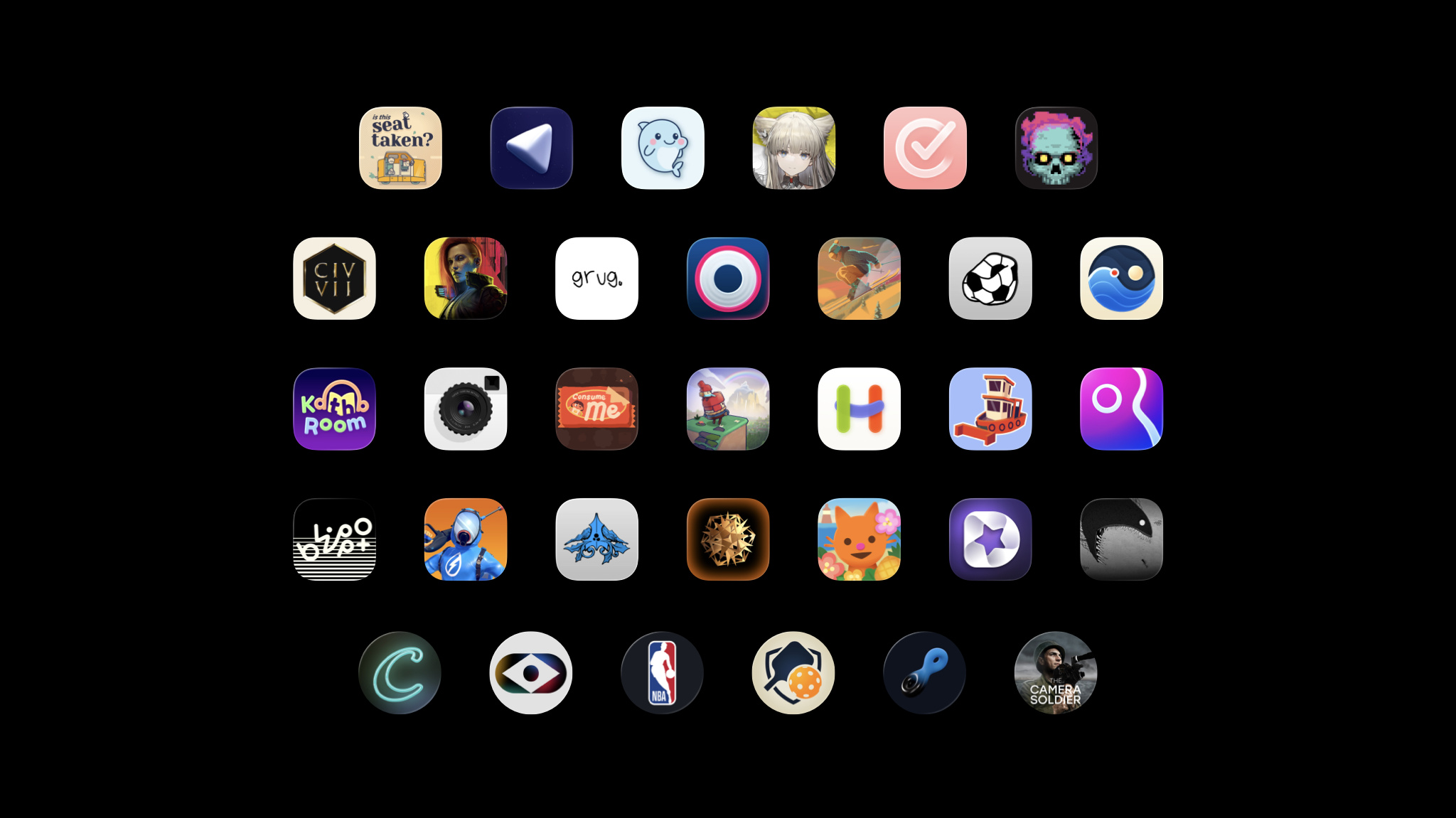
Every year, the Apple Design Awards recognize innovation, ingenuity, and technical achievement in app and game design. But they’ve also become something more: A moment to step back and celebrate the work of Apple developers across the community. Meet this year’s finalists
In this edition: Meet inspiring developers, advocates, and educators. Prepare your app for Accessibility Nutrition Labels. Meet the team behind the stylish open-world adventure Infinity Nikki. Get the most out of your Apple Developer account. Update your Intel-based Mac apps to Apple silicon. Read now
A free Apple Developer account provides access to the tools, resources, and support you need to build and test apps and games. A free developer account is separate from an Apple Developer Program membership. Even if your organization holds the paid membership, creating your own free account gives you direct access to downloads and support resources. Don’t have an account? To create your Apple Developer account, sign in to your Apple Account. If you don’t have an Apple Account, you can create one during Apple Developer account registration. Sign in > What you get: Access beta versions of Xcode and Apple operating systems: Test your apps with upcoming features and API changes before release. Betas allow you to submit feedback and ensure your app works on day one of each new OS release. And you can test your apps directly on your own devices. With Xcode beta versions, you have access to the complete toolchain to explore new SDKs, test enhanced APIs, and debug compatibility issues using the latest development tools and simulators. Learn more about Xcode > Learn more about Apple beta testing software > Meet with Apple: Attend developer events that take place in person and online all year long. Events range from design workshops on UI/UX best practices to technical deep dives on frameworks and business sessions about App Store optimization. Sign up for developer activities > Apple Developer Forums: Join the forums to ask questions and share knowledge with developers worldwide. The forums cover specific frameworks and technologies, serving as a space to troubleshoot issues and share code samples. Browse the forums > Help shape the platform: Report bugs and submit feature requests with Feedback Assistant. File detailed reports with sample code, crash logs, and reproduction steps. Request new APIs or suggest enhancements. Some of the tools you use today started as developer feedback. Download Feedback Assistant > Looking for more? An Apple Developer Program membership unlocks all the resources and support you need to build, test, share, and distribute apps and games. Integrate Apple services: Configure your app with powerful features like the Foundation Models framework, CloudKit, MusicKit, and Apple Pay. Beta test at scale: Use TestFlight to distribute beta builds to up to 10,000 external testers before your public release. Unlock exclusive opportunities: Access more in-person Meet with Apple events and WWDC activities, including one-on-one appointments with Apple experts. Distribute worldwide: Publish your apps and games on the App Store and grow your business. Easily share with people in 175 countries and regions and 50 languages. Offer content and services for purchase: Help make purchases effortless in your app or game using Apple In-App Purchase, with secure authentication, and over 200 payment methods supported globally. Learn more about membership > Keep in mind: As always, you can explore Apple Developer videos, documentation, tutorials, sample code, API references, and the Human Interface Guidelines without an Apple Developer account.
Following changes to Brazil’s fixed-odds betting regulation, apps with fixed-odds betting (gambling) features can now be distributed on the App Store in Brazil with a valid fixed-odds betting license from the Secretariat of Prizes and Bets (SPA) . If any of your apps include these features (indicated by selecting “Yes” to the gambling question in the age rating questionnaire in App Store Connect), you’ll need to provide this license. Keep in mind that answering “Yes” to the gambling question in the age rating questionnaire will set your Brazil age rating to A18. A new app version must be submitted to initiate the license verification process. Updating the App Review Information section in App Store Connect alone won’t start a review. When submitting a new version of your app for review: Include your license information in the App Review Information section in App Store Connect. Enter your license details in the Notes field. Attach any supporting documents using the file attachment field. Please ensure that your app complies with all disclosures and warnings requirements, including but not limited to age restrictions and gambling risks, as required under the law. For questions regarding your legal obligations, please contact your legal counsel. Learn more about Brazil age ratings Learn more about Brazil’s fixed-odds betting regulation
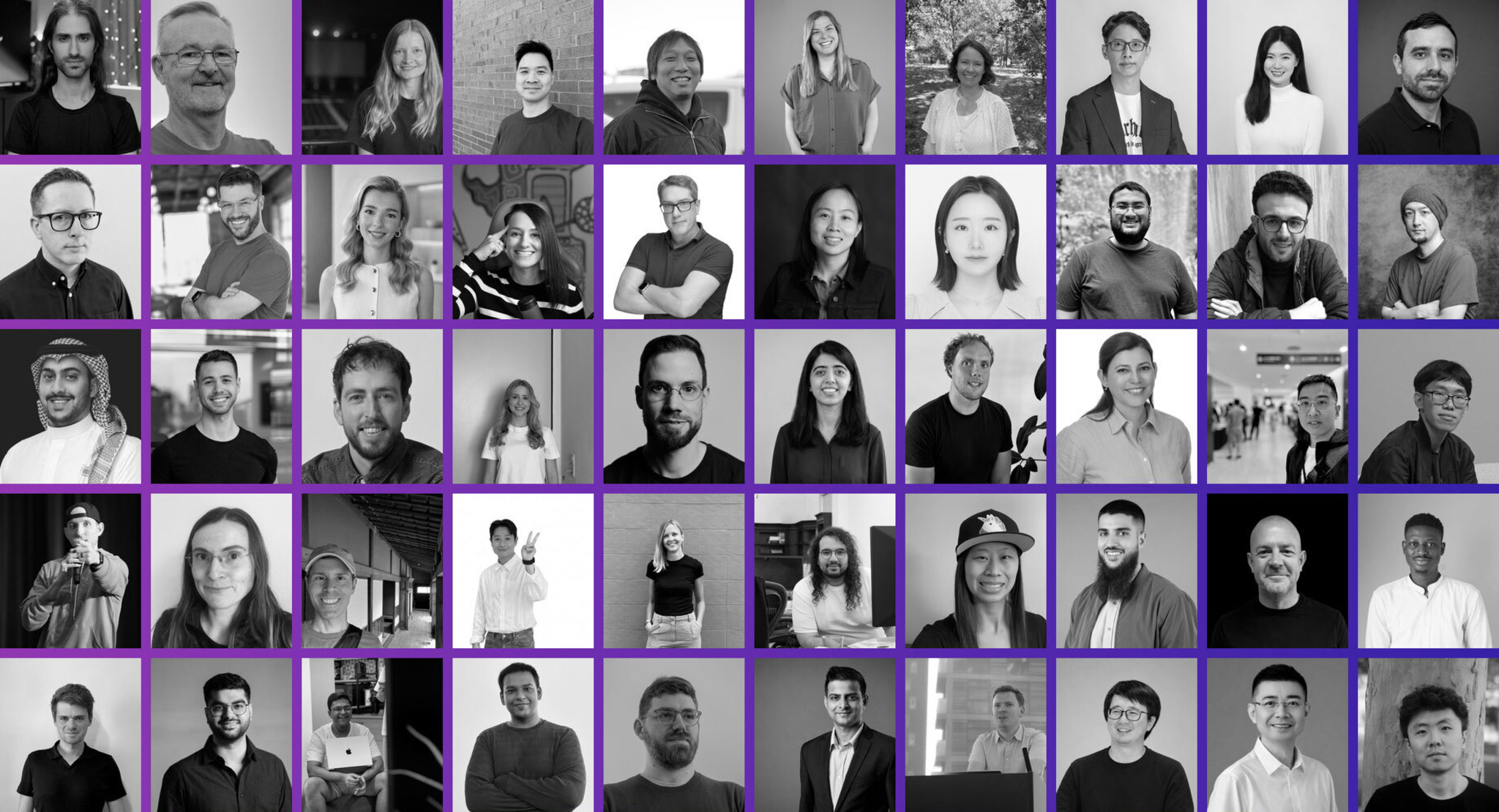
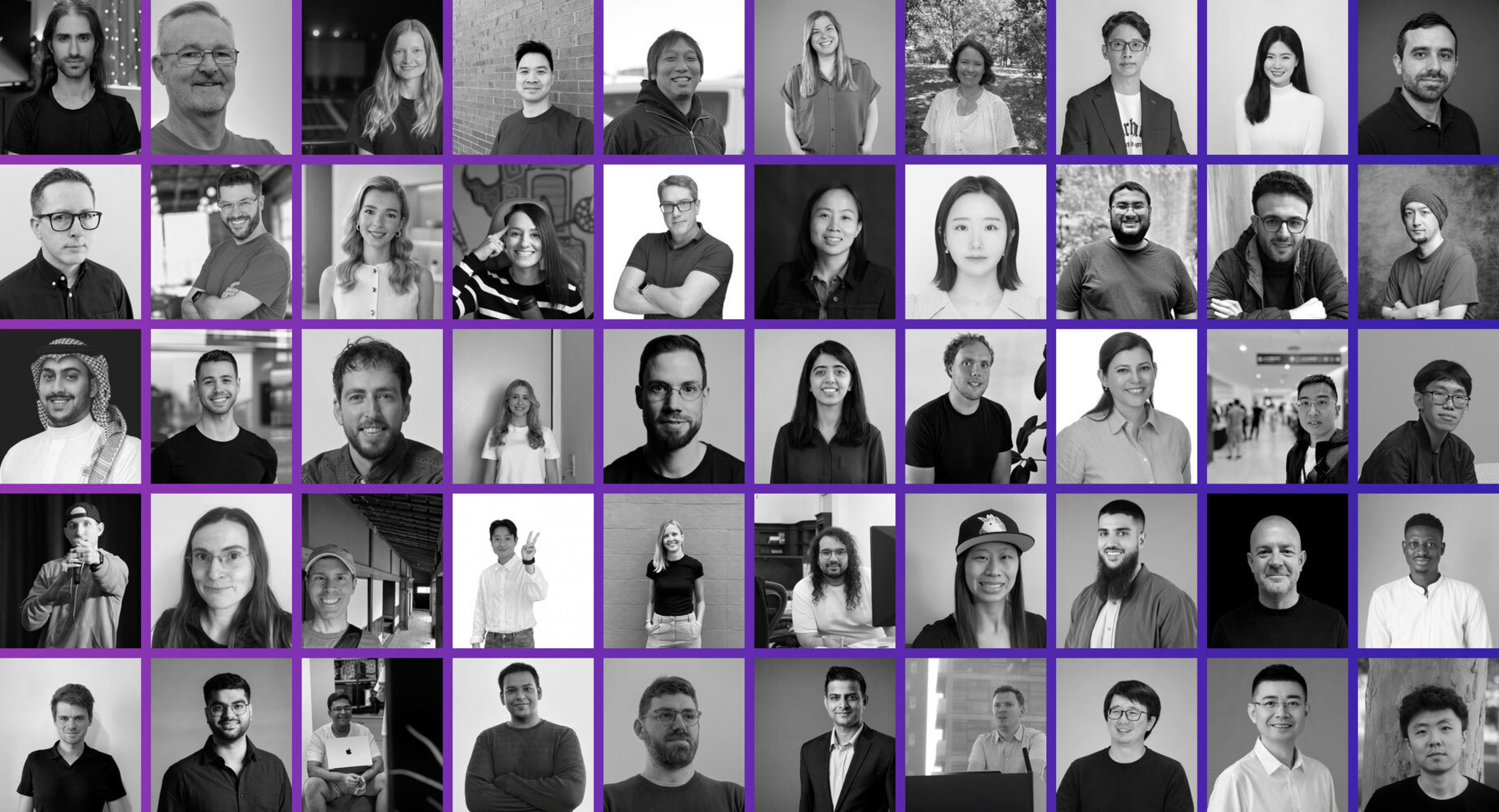
All around the world, Apple developers do meaningful work that extends beyond great apps and games. They organize events, write tutorials, mentor others, and create spaces to learn and grow. By sharing their expertise and championing each other, they represent the best of the community. Meet some of the inspiring people who are making a difference in the Apple developer community through technical contributions, thoughtful mentorship, and a commitment to helping others succeed. Meet the community >