Explore
The most-read articles on Virexa, ranked by real reader engagement.
1,000 results • Page 51 of 84
Rain is returning for some of us this weekend – but is it enough for places that have seen little or now rain for weeks?
Users can now ask Attie questions about news, trends, and conversations on Bluesky and other apps on the AT Protocol.
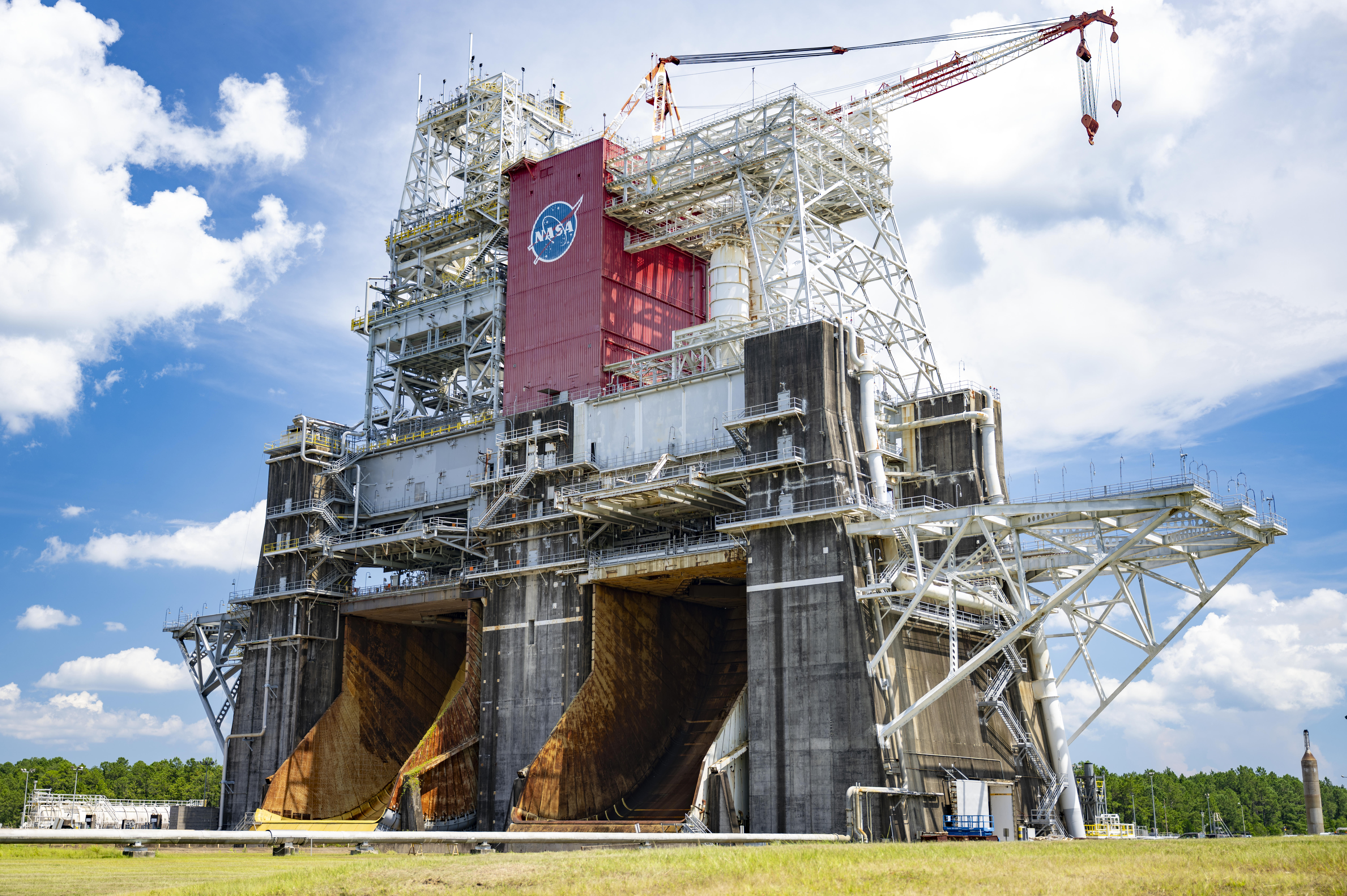
NASA and Blue Origin announced Friday they recently agreed to conduct second stage hot fire testing for the company’s New Glenn rocket on the B-2 test stand at the agency’s Stennis Space Center near Bay St. Louis, Mississippi. The annex to a reimbursable Space Act Agreement signed earlier this month highlights NASA’s commitment to working […]
Sadly, the Pixel 6 and Pixel 6 Pro aren't coming along for this ride.
Morgan Wallen sits at Nos. 2 and 3 on Billboard's Country Airplay chart with "Don't We" and "I Can't Love You Anymore" with Ella Langley, respectively, as Jason Aldean leads.
Posted by Android XR Team The Android XR ecosystem is expanding, and we’re committed to supporting developers who will build its next great experiences. Today, we’re opening applications for the Android XR Developer Catalyst Program , a dedicated initiative to accelerate the development of Android XR apps ready to launch within the next year. This program is designed to provide the resources, hardware, and grants to help you build and scale innovative experiences across wired XR glasses , like XREAL’s Project Aura , and intelligent eyewear (audio and display glasses). We are especially interested in seeing innovative experiences across media, gaming, productivity, and health, but we welcome any unique use case that helps users expand what's possible. Why join the catalyst program? We want to help developers navigate common barriers to entry for XR development by providing: Development Kits: Get early access to hardware development kits for wired XR glasses (XREAL’s Project Aura) and / or intelligent eyewear (audio and display glasses). Technical support: Gain access to specialized technical resources and support forums specifically designed to help you prepare your app for Google Play. Grant Opportunities: Submit a request and you may be eligible to receive a non-recoupable grant to accelerate your development. Ready to start building? Applications are open to developers looking to publish apps for the Android XR ecosystem in the next 6-12 months. You can build with Kotlin and the Jetpack XR SDK , or with Unity , Unreal Engine or Godot . If you need a spark of inspiration, you can check out existing XR Experiments and Samples to see how you can use the SDK for everything from spatial music to navigation. Once you have your concept ready, be sure to submit your application by June 30th by 11:59PM PDT. We can’t wait to see what you build. Start Your Application Explore this announcement and all Google I/O 2026 updates on io.google .
The event has been moved to the much smaller ballroom at the Waldorf Astoria hotel.
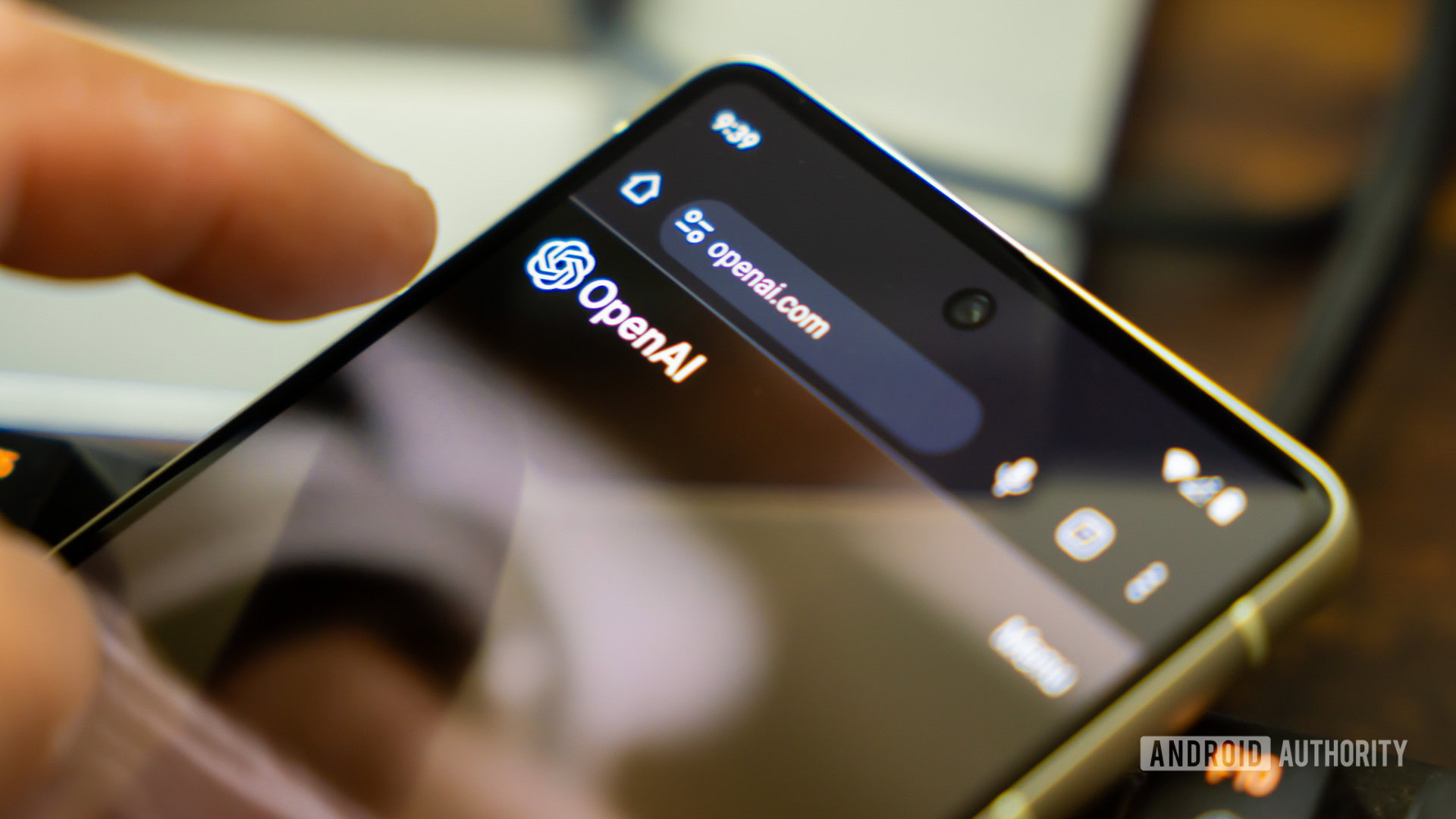
You're not the only one running into problems with ChatGPT.
Looking for help with today's New York Times Wordle? Here are some expert hints, clues and commentary to help you solve today's Wordle and sharpen your guessing game.
Posted by Coco Fatus, UX Designer, Alon Hetzroni, UX Engineer, Azin Mehrnoosh, Product Manager Android XR At this year's Google I/O , we announced an update for spatial experiences: the Geospatial API is now available as a preview in ARCore for Jetpack XR . By bringing Google's Visual Positioning System (VPS) to Android XR, Android XR enables anchoring digital content to the physical world with sub-meter accuracy and precise orientation in supported areas.* To explore what the Geospatial API could unlock, our team built a demo: the XR Geospatial Tour. Imagine walking into a new city, putting on a pair of wired XR glasses (like the upcoming XREAL Project Aura), and instantly having a knowledgeable, local guide showing you around. You don't need to stare down at a 2D map—instead, 3D models gently guide your path, and an intelligent voice tells you about the historical landmarks right in front of you. We combined the Geospatial APIs , Gemini API using Firebase AI Logic , Google Maps Grounding , and Jetpack XR SDK to create a hands-free, immersive walking tour experience. *Disclaimer: Video and Tour Guide application are for demonstration purposes only. Some sequences have been shortened. Any hardware depicted may be under development; final product details may differ. Let’s walk through the implementation details and show how we tied these APIs together to build a world-scale spatial experience. 1. Pinpointing the User with ARCore Geospatial API (VPS) Enhance your navigation experience on XR by combining the power of GPS with the precision of VPS. The accuracy and precise orientation that comes with VPS allows 3D waypoints to align with the physical world. This is why the Geospatial API on Android XR can help you build custom experiences. By using advanced computer vision, VPS tries to provide a GeospatialPose (including latitude, longitude, and heading) that is more accurate than GPS. Here's how we retrieve the user's Geospatial pose by mapping the device's orientation to a Geospatial coordinate: // Retrieve the current geospatial pose from the ARCore session val result = geospatial.createGeospatialPoseFromPose(arDevice.state.value.devicePose) if (result is CreateGeospatialPoseFromPoseSuccess) { val pose = result.pose Log.d("VPS", "Accurate Location: ${pose.latitude}, ${pose.longitude}") } Because the entire experience relies on this accuracy, we monitor the horizontalAccuracy and orientationYawAccuracy until they meet our thresholds. If the user is indoors or in an unrecognized area, we prompt them to "walk to an outdoor public space and look around". 2. Crafting the Itinerary with Gemini API & Google Maps Grounding Once we have a location, we use the Gemini API using Firebase AI Logic to prompt the Gemini model to act as a local tour guide. We pass the user's coordinates to the model and ask it to output a structured JSON response containing nearby walking tours: val configForTools = ToolConfig( functionCallingConfig = null, retrievalConfig = retrievalConfig { latLng = FirebaseLatLng(pose.latitude, pose.longitude) languageCode = "en" } ) val responseJsonSchema = Schema.obj( mapOf( "locationIntro" to Schema.string(), "tours" to Schema.array( Schema.obj( mapOf( "title" to Schema.string(), "description" to Schema.string(), "stops" to Schema.array( Schema.obj( mapOf( "name" to Schema.string(), "detailedName" to Schema.string(), "description" to Schema.string() ) ) ) ) ) ) ) ) val model = Firebase.ai(backend = GenerativeBackend.googleAI()).generativeModel( modelName = "gemini-3.5-flash", tools = listOf(Tool.googleMaps()), generationConfig = generationConfig { responseMimeType = "application/json" responseSchema = responseJsonSchema } ) val result = model.generateContent("The user is at latitude ${pose.latitude} and longitude ${pose.longitude}. Generate exactly 3 diverse tours near this location (e.g., historical, food, nature). All tour ideas should be walking distance only.") Large Language Models are great at generating rich descriptions, but they can sometimes hallucinate exact latitude/longitude coordinates. To solve this, we used Google Maps Grounding to ground the AI. 3. A Voice to Guide You: Gemini 2.5 TTS To make the tour guide feel truly present, we implemented dynamic voiceovers. Using the gemini-2.5-flash-tts model, we can configure our model generation config to natively return audio data instead of just text! Here’s how you can request the ResponseModality.AUDIO: val ttsModel = Firebase.ai(backend = GenerativeBackend.googleAI()) .generativeModel( modelName = "gemini-2.5-flash-tts", generationConfig = generationConfig { // Instruct the model to return Audio responseModalities = listOf(ResponseModality.AUDIO) } ) val response = ttsModel.generateContent("Say in a neutral but positive voice:\n$prompt") // Extract the raw audio bytes from the response val audioBytes = response.candidates.firstOrNull()?.content?.parts ?.filterIsInstance<InlineDataPart>() ?.firstOrNull { it.mimeType.contains("audio") }?.inlineData 4. Bringing it to Life in 3D with Jetpack XR The final piece of the puzzle is rendering this data in the user's field of view. The Jetpack XR SDK makes it intuitive to transition from a 2D Android UI to spatial computing. We used Jetpack Compose for XR to build spatial components. To represent points of interest along the tour, we built a Composable called InfoSphere, which contains a GltfModel of a 3D orb that floats in space and can be interacted with to reveal information. Using Jetpack XR SDK, we can place 3D models alongside the Compose UI using SpatialBox and SceneCoreEntity . We also used InteractableComponent to respond to user taps. @Composable fun InfoSphere( content: InfoBubbleContent, session: Session, sphereModel: GltfModel, isSelected: Boolean, onClick: () -> Unit ) { // SpatialBox lets us arrange 3D components and SpatialPanels together SpatialBox( SubspaceModifier .offset(x = 2.dp, y = 1.dp, z = (-3).dp) // Positioned in 3D space ) { // Smoothly animate the visibility of our 2D Compose UI Panel AnimatedSpatialVisibility(visible = isSelected) { SpatialPanel { InfoBubble(content) // Regular 2D Compose UI } } // Render our interactive 3D sphere SceneCoreEntity( factory = { GltfModelEntity.create(session, sphereModel).also { entity -> // Make the 3D model respond to user taps entity.addComponent(InteractableComponent.create(session) { inputEvent -> if (inputEvent.action == InputEvent.Action.UP) { onClick() } }) } } ) } } By combining AnimatedSpatialVisibility for traditional Compose UI surfaces with SceneCoreEntity 3D elements, we're able to seamlessly blend data into the physical world. Explore what’s possible with Android XR today Building the XR Geospatial Tour app showed us that the barrier to entry for world-scale spatial experiences is lower than ever for Android developers. With the Geospatial API now available in preview on Android XR, your apps can seamlessly understand the physical world around them. By combining Compose for XR ’s APIs with the high-precision location data of VPS and the generative capabilities of Gemini, we can create experiences that understand both where the user is and what they are looking at. To help you get hands-on with Android XR, we are thrilled to open applications for the Android XR Developer Catalyst Program , which includes XREAL Project Aura. Starting today, you can apply to get access to an XREAL Project Aura devkit or our display glasses devkit over the coming months! *Disclaimer: Available on select devices. Internet connection required. Works on compatible apps and surfaces. Results may vary.
Hacker News
“GPT-5.5's API pricing is reshaping how startups build AI products”