
OnePlus shutdown report comes with another nasty surprise for Android fans (Updated: Confirmed)
Update: OnePlus is not OPPO’s only casualty.
Android Authority
Smartphones, mobile chipsets, and the apps and networks powering life on the go.
744 articles found
Update: OnePlus is not OPPO’s only casualty.

Two years of updates is just not okay for a 2026 flagship.
It's Google's first release since Android 17 QPR1 hit Platform Stability earlier this month.
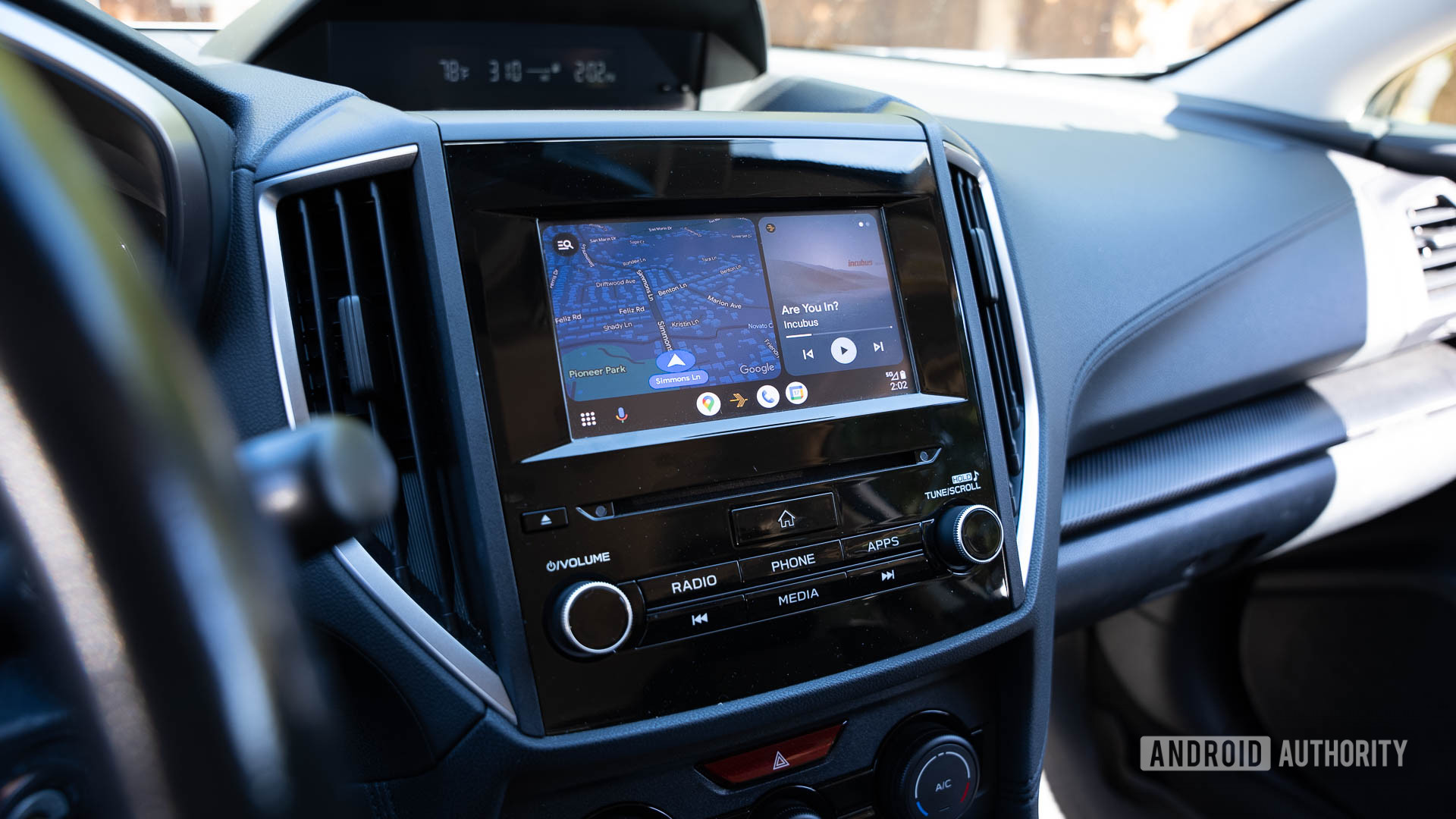
Android Auto been glitching out on you lately? Google's fix is in.
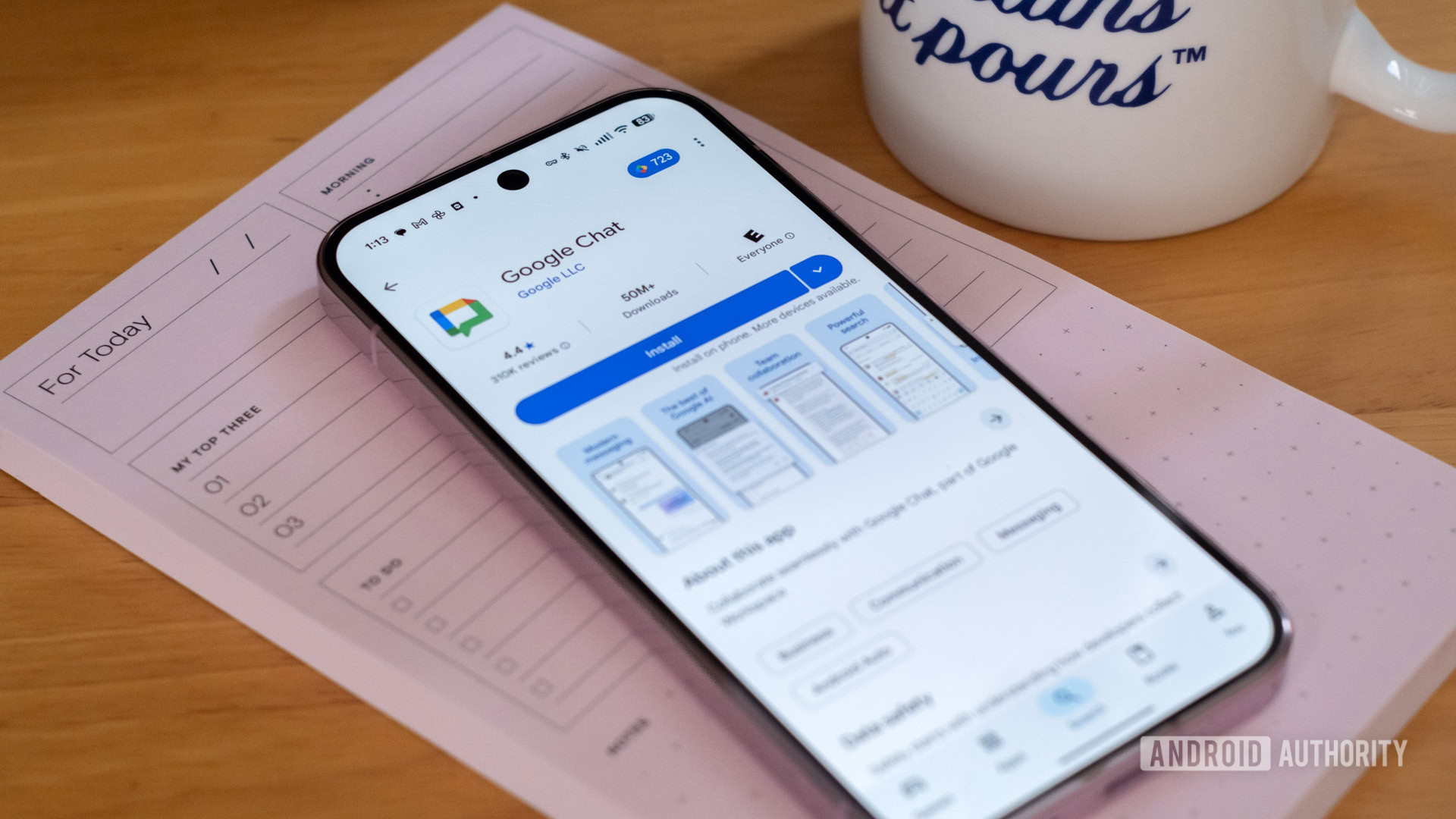
It's now easier than ever to collaborate with people outside your organization.
An affected user has reportedly filed complaints and gotten the FCC on the case.
Posted by Amman Asfaw, Product Manager, Android Studio Android Studio Quail 2 is now stable and ready for you to use in production, bringing a shift to your IDE with concurrent agentic workflows, natively integrated memory leak profiling, and context-aware crash remediation. Whether you are performing a sweeping architectural overhaul, tracing a memory leak, or resolving a critical production crash, Android Studio keeps you anchored in your workspace by reducing manual friction. Here’s a deep dive into what’s new: Multi-tasking with parallel chats In Android Studio Quail 2, we've been hard at work redesigning Agent Mode from the ground up. This new architecture provides better performance, offers more flexibility for decomposing complex tasks, and improves the suite of internal tools the agent uses to do its work. In addition to these behind-the-scenes improvements, these changes also allow you to converse across multiple agent chats simultaneously. Waiting for the Android Studio agent to finish a task before you can ask another question or initiate a separate task in Agent Mode is a bottleneck of the past. You can multi-task seamlessly: kick off a UI refactor in one tab, fix a ProGuard rule in a second, and generate documentation in a third. You can also change which models the agent uses from chat to chat based on the requests you have. Take a look at Android Bench for an analysis of how LLMs perform Android development tasks. How to use: Click the "+" icon to start a new parallel conversation, and use the History icon to navigate between active tasks. Alternatively, select File > New > New Agent Tab to open a conversation in a dedicated tab. Note: Worktree support is currently unavailable. Exercise caution when running concurrent chats that modify the same project files, which can potentially lead to editor conflicts. Run multiple agent tasks in parallel with different models of your choice. Use the History icon to navigate between active tasks. Memory leak detection with LeakCanary Memory leaks in Android occur when your code holds onto an object's reference long after its life cycle has ended. This prevents the Garbage Collector from reclaiming that memory, eventually leading to sluggish performance or OutOfMemoryError . Hunting down memory leaks can be a tedious, manual task. Starting with Android Studio Quail 2, the popular open-source leak detector LeakCanary is natively integrated directly into the Profiler as a dedicated, first-class task. This integration transforms your debugging performance by lifting and shifting the heap analysis off your resource-constrained testing phone, and onto your powerful development computer. By running the analysis on your computer, leak tracing is up to five times faster and jank-free, leaving your test app running smoothly on the device. Once a leak is detected during a profiling session: The Profiler renders an interactive, color-coded leak trace, grouping occurrences and estimating lost memory. You can click Go to declaration on any leaking object in the trace to instantly jump to that exact line of code in your editor. You can click Fix with Agent to have the Gemini agent ingest the trace, explain the root cause of the retained reference, and write the exact code change (such as unbinding a listener or clearing a static reference) to plug the leak. Review memory leaks identified via LeakCanary through the Fix with Agent button. App Quality Insights agent integration Tracking down the root cause of an app crash can require manually synthesizing stack traces, device data, and source code. However Android Studio’s App Quality Insights (AQI) is now fully integrated with Agent Mode to do the heavy lifting for you. When you click on a crash in the AQI panel, you immediately get a concise, high-level summary of the issue. If you need to dig deeper, simply click See more . This opens a dedicated chat where the agent uses your selected model and pulls in local source code and the full stack trace to deliver a comprehensive explanation of the failure. With the new agent integration, you move directly from issue identification to resolution. By clicking Fix with AI , the agent will analyze the issue, propose a step-by-step fix plan, and—upon your approval—apply the necessary code changes directly to your project and verify the resulting fix The Fix with AI button triggering the agent to analyze the issue, then propose the fix Quality & stability improvements Beyond new features, we’ve continued our focus on quality by addressing numerous bugs and incorporating the latest stability and performance improvements from the IntelliJ platform, making this a significant enhancement for your daily development. Get Started Ready to dive in and accelerate your development? Download Android Studio Quail 2 and start exploring these new features today! As always, your feedback is crucial to us. Check known issues , report bugs , and be part of our vibrant community on LinkedIn , Medium , YouTube , or X .
Posted by Zoe Lopez-Latorre, Senior Developer Relations Engineer, Android Back in March, we introduced Android Bench —our LLM leaderboard for real-world Android development tasks. Our goal was to provide transparency around model capabilities in Android development and to encourage model improvements, to give you more helpful AI options for your everyday workflow. Since then, we have enhanced the benchmark based on your feedback, including evaluating open-weight models and adding cost and efficiency dimensions to the leaderboard. But AI capabilities are ever-evolving, and measurement needs to follow suit. As part of our July release, we have adopted the Harbor framework , which includes an updated version of the benchmarking agent used to evaluate models. Along with this change to our evaluation, in this July release we’re adding 8 new models ( Claude Fable 5, Claude Sonnet 5, Claude Opus 4.8, GLM 5.2, Kimi K2.7 Code, MiniMax M3, Qwen 3.7 Plus and Qwen 3.7 Max ) to the leaderboard. We’re also sharing opportunities for you, the Android developer community, to contribute to the benchmark. Upgrading our methodology with the Harbor framework When we designed Android Bench, we anchored our methodology on leading industry standards available at the time. We used mini-swe-agent v1, a general-purpose benchmarking agent, and adapted it to the nuances of Android development to provide a baseline measurement for the capabilities of models for common Android development tasks. To continue providing you with state-of-the-art evaluations that accurately measure the latest model capabilities on Android development, we are standardizing our benchmark to the Harbor framework . Harbor defines standards and integrations that make it easy for anyone to run the benchmark, evaluate their preferred set-up, or share results – providing you with additional transparency and visibility. This upgrade enables us to more rigorously evaluate models and their capabilities, and we re-ran the benchmark on all models to establish an updated baseline. This means there is a minor shift in scoring, but you will still be able to view historical scores within the archive on our website. We want to ensure Android Bench is helpful for you, so we will continuously update it as our evaluations and the industry mature. Expanding the leaderboard with 8 new models As part of our commitment to keeping the leaderboard fresh, we have added Claude Fable 5, Claude Sonnet 5, Claude Opus 4.8, GLM 5.2, Kimi K2.7 Code, MiniMax M3, Qwen 3.7 Plus and Qwen 3.7 Max to the Android Bench leaderboard. You will see that Claude Fable 5 is at the top of the leaderboard with a score of 84.5, followed by GPT 5.5 with 80.2, with Claude Sonnet 5 in 3rd with a score of 76.2. When just comparing Open-weight models, GLM 5.2 is at the top with 72.2, followed by Kimi K2.7 Code with a score of 70.4. You can check out model performance and efficiency metrics on the updated leaderboard to see how these new and previous models navigate Android-specific challenges like Jetpack Compose migrations, wearable networking, and platform API updates. Opening Android Bench to community contributions From the beginning, we’ve valued an open and transparent approach, which is why we made our original methodology and test harness publicly available on GitHub. You’ve asked for a way to provide feedback on our dataset, so now we’re taking collaboration a step further by giving you, the Android developer community, a chance to shape Android Bench. Starting today, you can contribute to Android Bench in two ways: Design and submit your own Android development tasks to evaluate how models handle the scenarios that matter to you. Run and share benchmark evaluations firsthand, testing your preferred models against our dataset or your own custom tasks. We will be reviewing the submitted tasks and will be assessing if they get added to the benchmark. We hope to build a benchmark that truly reflects the diverse, day-to-day realities of the global Android developer community. Looking ahead With more and more options for agentic development, maintaining a cutting-edge benchmark ensures that the AI assistance you rely on keeps getting smarter, more helpful, and more effective. Head over to our GitHub repository to check out the tasks. We invite you to submit a task to our team for review, and you can check out Harbor Hub to explore the dataset or submit evaluations. As always, you can find the updated leaderboard , or read the methodology on our website. Android Bench, LLM leaderboard, Harbor framework, Android development, Claude Fable 5, GPT 5.5, Claude Sonnet 5, GLM 5.2, Kimi K2.7 Code, MiniMax M3, Qwen 3.7 Plus, Qwen 3.7 Max, AI benchmarking, Jetpack Compose migration, wearable networking, mobile AI agent, Zoe Lopez-Latorre, model evaluation, open-weight models, developer community contributions.
Who's covering this category most
Explore more of what's active right now
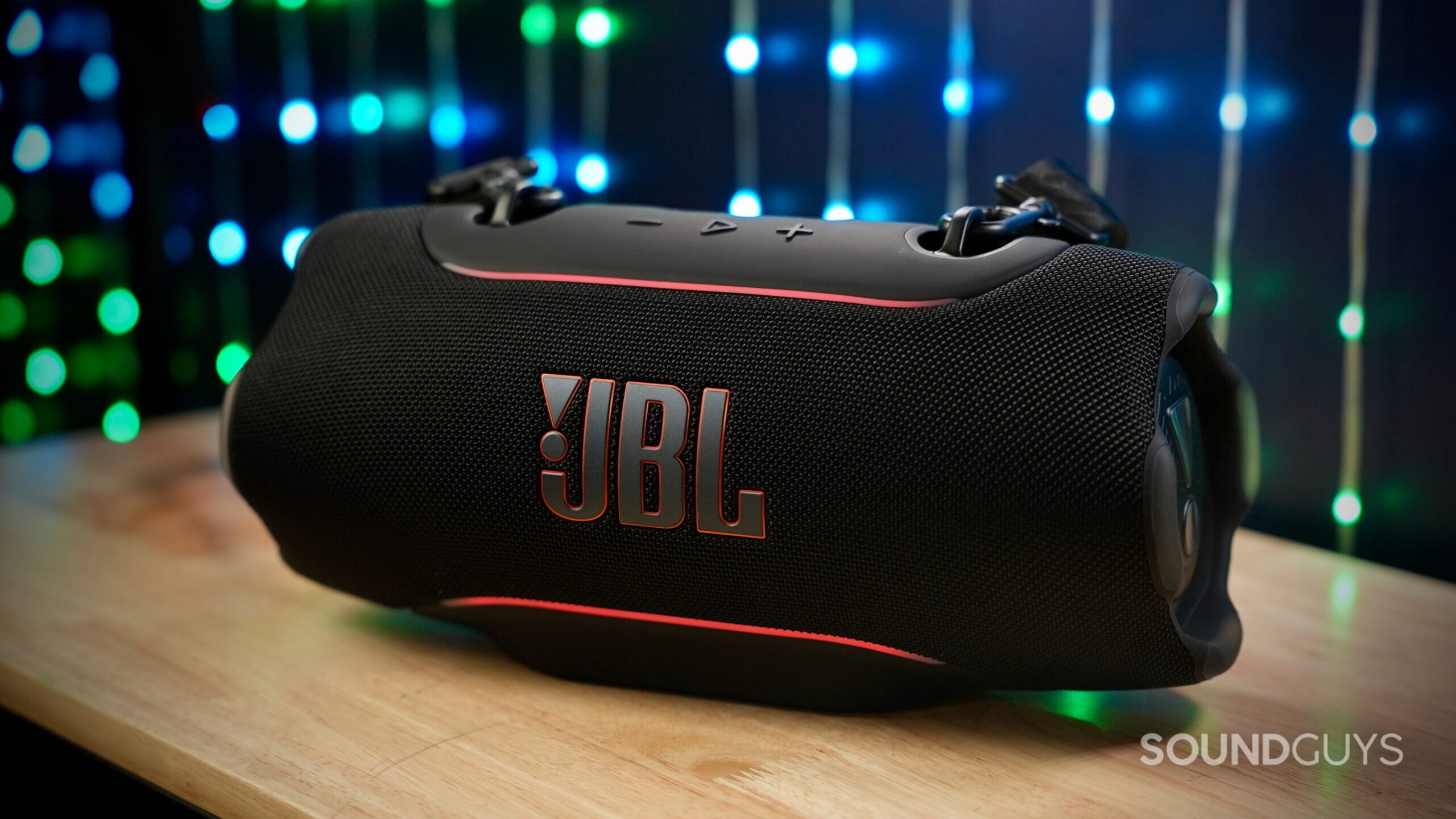 JBL Xtreme 5 drops back to its best price with $100 off at AmazonAndroid AuthorityAugust 20, 2026
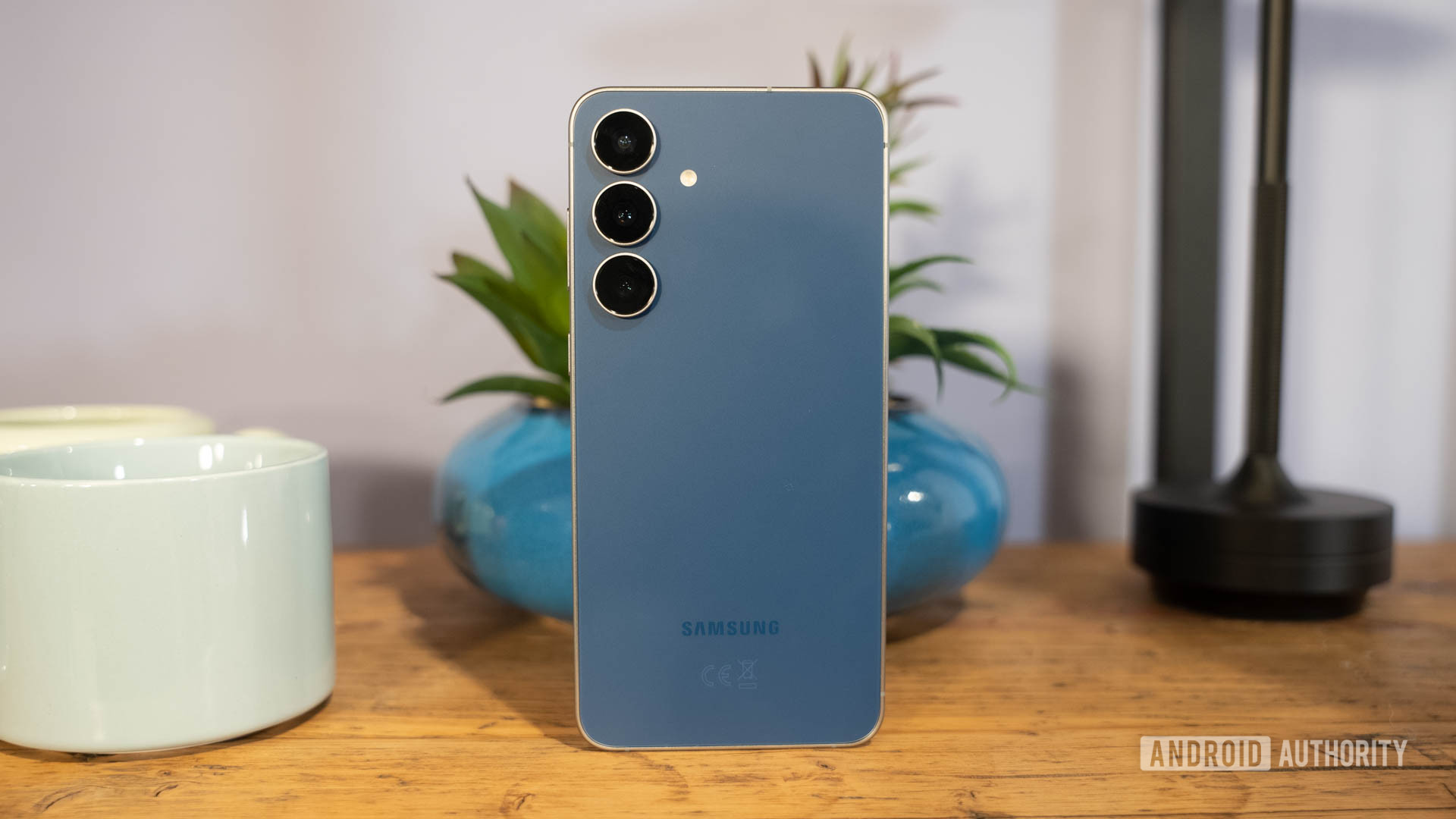 Galaxy S26 FE breaks cover in new case leakAndroid AuthorityAugust 20, 2026
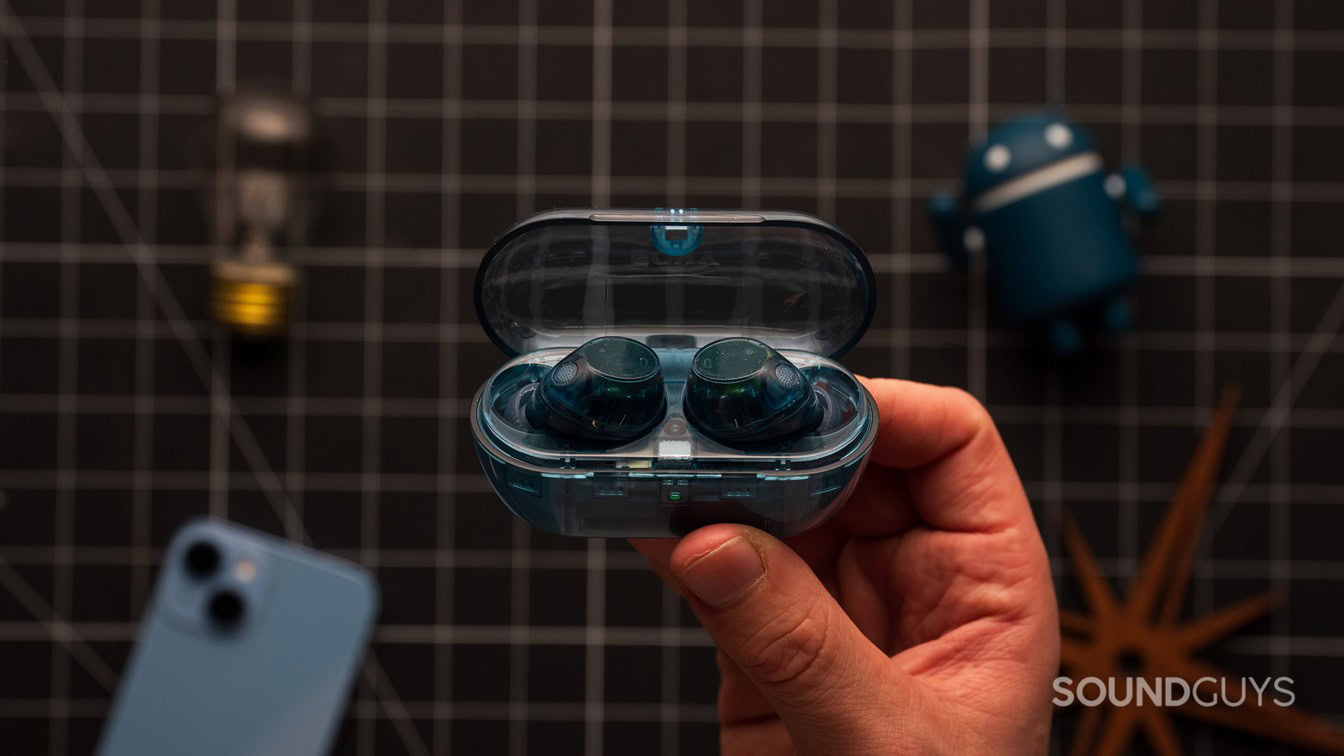 Sony WF-C710N deal drops these wireless ANC earbuds to just $88Android AuthorityAugust 20, 2026
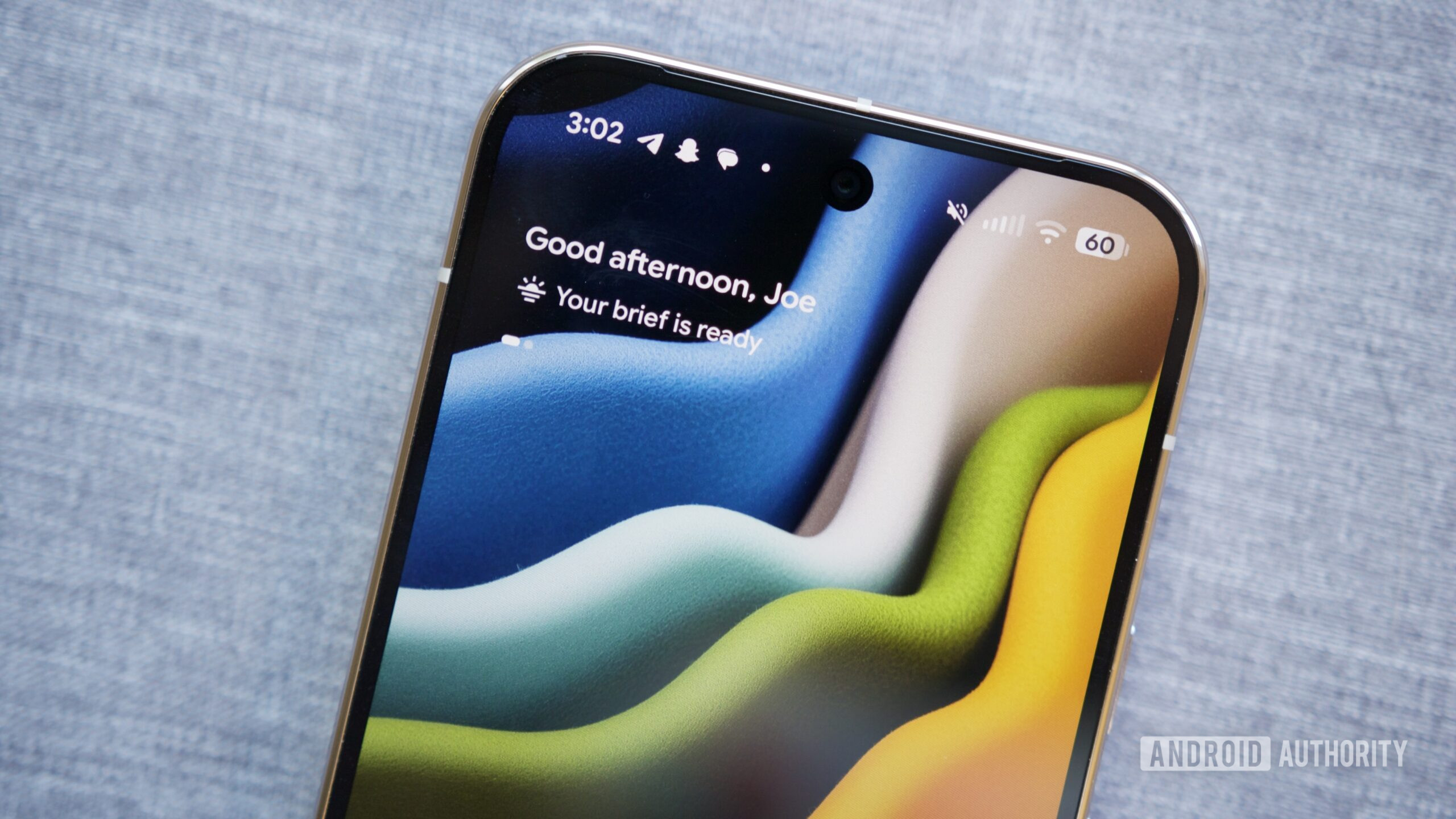 Gemini’s Daily Brief could soon land on your Pixel’s lock screenAndroid AuthorityAugust 20, 2026
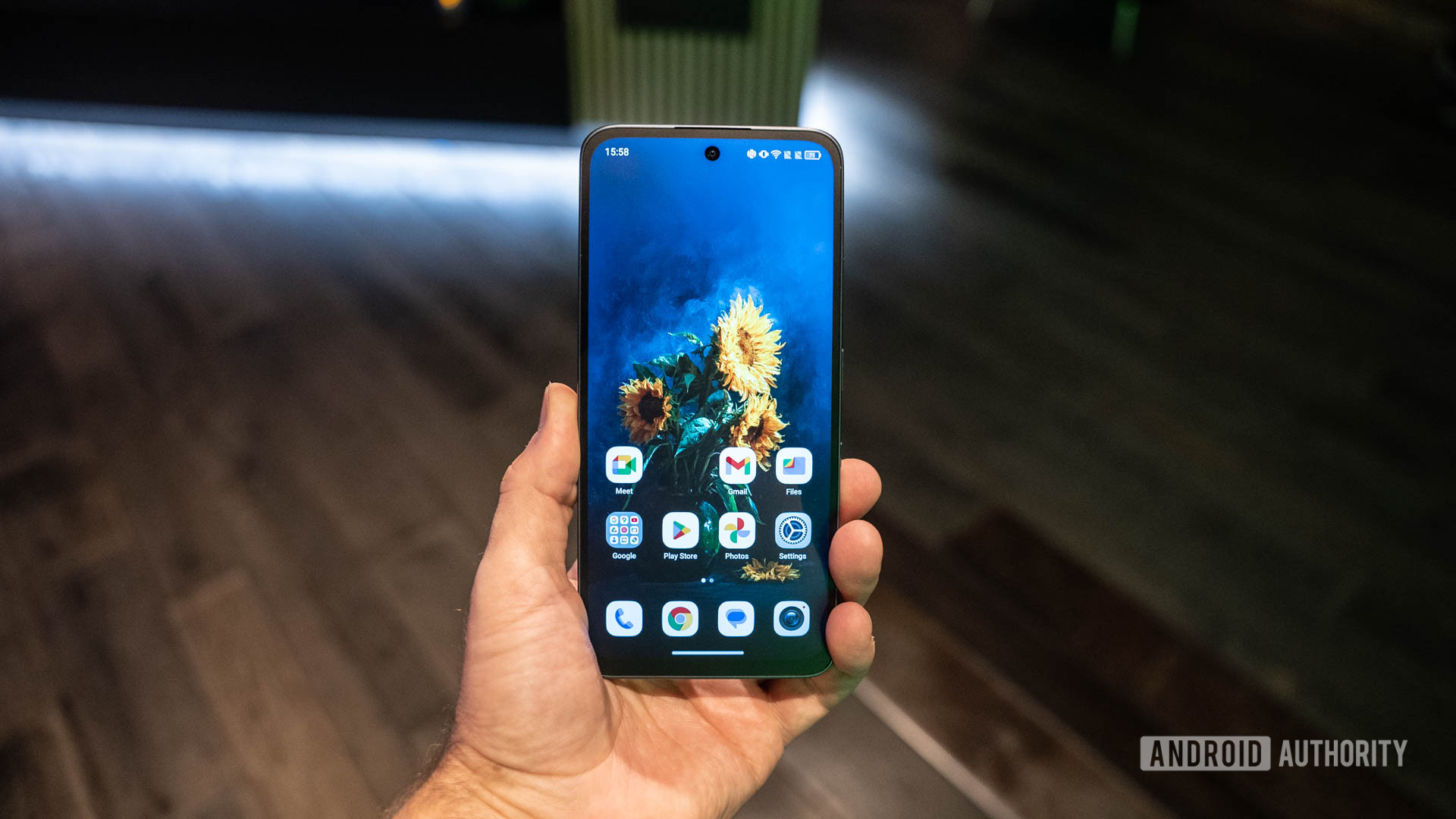 Amazon drops the TCL NXTPAPER 70 Pro below $280 in this best-price dealAndroid AuthorityAugust 20, 2026