Mobile
 Android AuthorityJuly 31, 20261 min read1 views
TL;DR The latest version of Google Play Services is finally rolling out the long-awaited Documents backup option. When enabled, documents will be automatically uploaded to a new Android backups folder in Google Drive. However, disabling this backup option won’t remove those files from Drive.
Google has been working on a Documents (formerly Downloads) backup option for nearly a year now. The new backup category began appearing to users on the Google Play Services beta earlier this month, suggesting a broader rollout is imminent. Well, it has taken a couple of weeks, but that day has finally arrived.
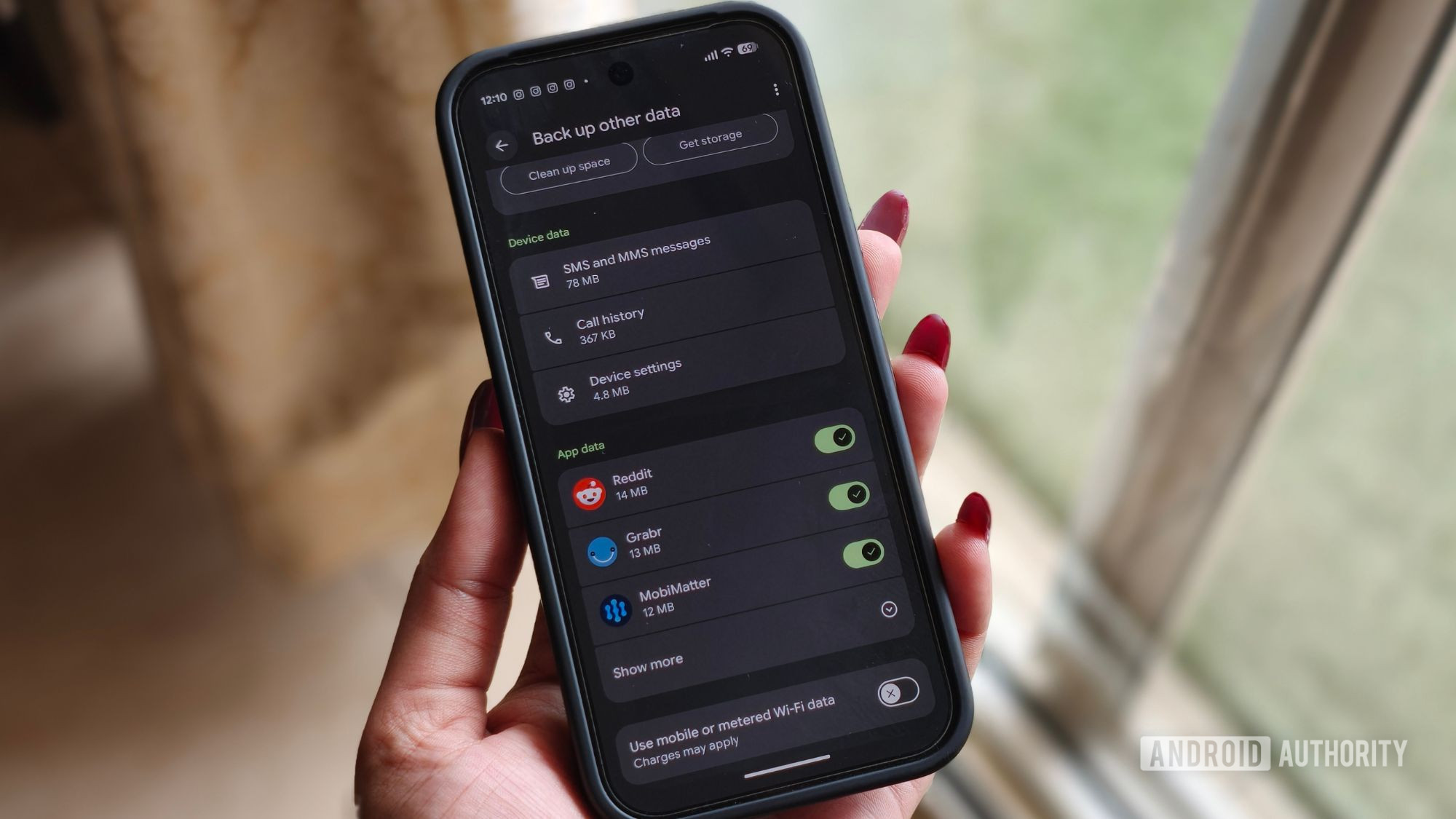
26 (stable). On Pixel phones, you can check if the option is live by navigating to Settings > Accounts and backup > Google Backup , where Documents appears between Photos & videos and Other device data (via 9to5Google ).
Android Authority
androidauthority.com